

Why Your Business Appears in AI Search Only When Someone Names It


Check what zero traffic actually proves
An empty AI traffic report needs a closer look. Check the correct Google Analytics 4 (GA4) property, date range, source filter and landing pages. Then identify which problem you have:
- Citations appear, but AI visits remain at zero. Test a citation link. If tracking works, inspect the answer and the reason someone would click.
- Your test visit reaches the page, but analytics misses it. Check the tracking tag, property ID, consent choice and filters.
- Analytics records the visit without its source. Inspect the link and any redirects for lost referral details.
- Assistant sources appear in other channels. Check the source values and channel rules before concluding that AI traffic is absent.
- The report or data is unavailable. Mark the result as unavailable. Leave the traffic conclusion open.
Watch for missing data in downloaded reports. The Google generative AI report exports unavailable values as zeros. Add a status column beside each count, such as recorded, unavailable or collection failed. Otherwise, a reporting problem can look like a traffic decline.
A reader may get a complete factual answer without visiting your site. A calculator, detailed comparison or availability check may offer a useful next step. Preserve the answer that earned the citation. Add something that helps the reader complete the next task.
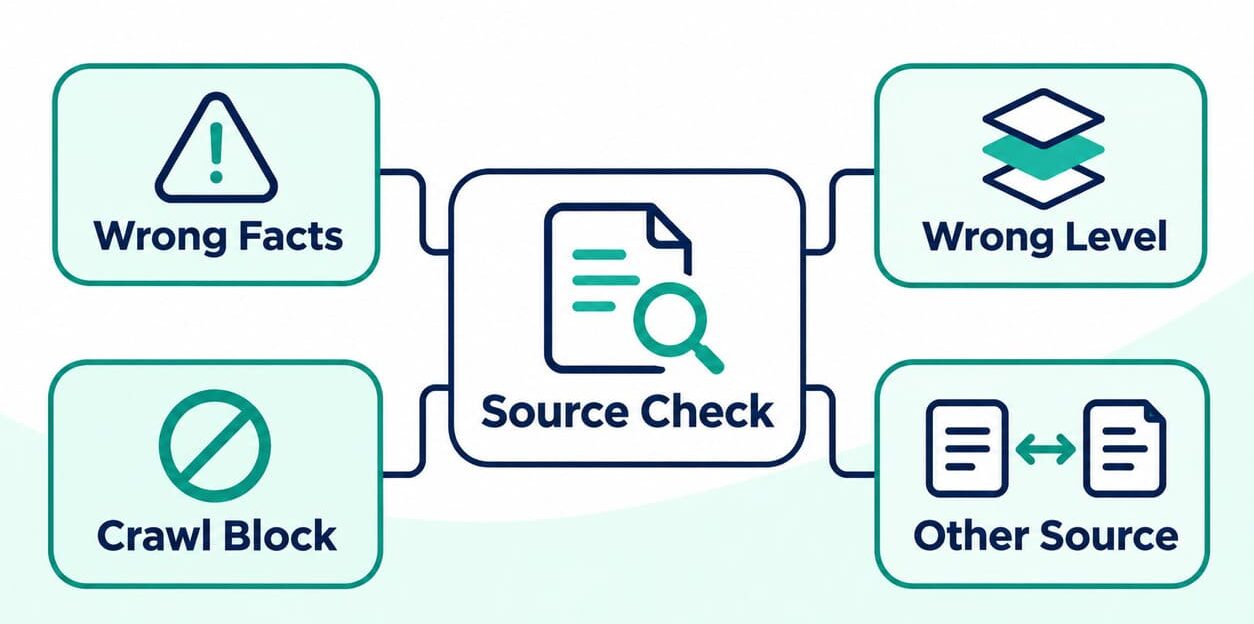
Separate citation reports from website analytics
Citation reports show where your content appears in supported AI products. Website analytics records visits and actions on your site. Read both, but preserve their separate totals. They measure different activity.
Check assistant referrals in GA4
In GA4, open Reports, then Acquisition, then Traffic acquisition. Select your date range and Session default channel group. Find the AI Assistant row. A session is a period of activity on your website, counted under GA4 rules. Google introduced the AI Assistant channel on May 13, 2026. Note that change when comparing reports across longer periods.
Add Session source / medium to see the sources grouped into that channel. Check other channels for assistant sources too, then save the source, session count and landing page. The Traffic acquisition report answers where a session came from. First user source shows the source of the first recorded visit for each user. Mixing those fields can change the totals.
If you need a custom channel group, use sources you have verified. Matching every domain containing AI can include unrelated websites. Custom channel rules assign traffic to the first matching channel and can change historical groupings. Save each rule version and its order. New labels cannot recover visits that analytics never recorded.
Read Google and Bing visibility reports separately
Visits from Google AI Overviews and AI Mode belong to Organic Search. The AI Assistant channel excludes them. Search Console has a separate generative AI performance report, available worldwide since August 31, 2026. Use it to track impressions, or appearances of links to your site. It supplies no separate AI click count. Insufficient impressions or site exclusion can leave the report unavailable.
Before comparing Google exports with analytics, check 3 details:
- URLs. Google can assign results to the canonical URL, its selected main version of a page.
- Totals. Page totals and whole-site totals can differ because Google counts them differently.
- Dates. The report uses Pacific Time. Your analytics timezone may differ, and preliminary data can change.
Those reporting differences need checking before you investigate a performance change.
Bing AI Performance shows citations across supported AI experiences. Review cited pages and grounding queries, the phrases used to retrieve supporting content. Bing groups the data and presents a representative view, with some low-volume activity absent. Grounding queries can differ from the exact questions people asked. Report Bing citations separately from Google impressions and your own answer checks.

Test one citation link from click to recorded event
Choose an actual citation link and test the visit it creates. Record the assistant, device, browser, time, original URL and consent choice. Start a fresh browser session. Use the original link without adding campaign tags, because added tags change the test. GA4 records actions on your site as events, such as a page view.
- Save the citation. Capture the answer and linked URL. Confirm that the link points to your page. The SEO analyst owns the check.
- Follow the link. Save the final URL and any redirects between the original link and destination. Ask a developer to investigate destination errors or lost URL parameters.
- Check the page event. Confirm that the expected event reaches the correct GA4 property. The analytics owner checks the tag, consent and filters if it is missing.
- Inspect the source details. Check the full page URL, referrer and campaign values. The referrer identifies the previous page when that information is available.
- Submit a permitted test enquiry. Confirm one successful submission and the intended lead event. Analytics and sales owners should check for missing or duplicate records.
- Check the processed report. Review Session source / medium, channel and landing page after processing. The analytics owner confirms how GA4 classified the visit.
Use the full Page location value to inspect UTM campaign tags. GA4 omits those tags from Landing page + query string and Page path + query string. Compare the original link with the final URL to find lost tags. Assistants may send different referral details.
Enable debug mode on your test device and inspect DebugView. Consent choices and privacy controls can affect which events appear. Use DebugView to check collection, then use processed Acquisition reports to check the traffic source. GA4 processing can take 24–48 hours, and figures can change during that period. If a developer filter excludes debug traffic, repeat the source check without debug mode. Label that test for exclusion from business reporting. Respect the selected consent choice throughout.
A passing test confirms tracking for that device, browser and consent choice. Repeat it for other important combinations your audience uses. Label test enquiries in your customer records and exclude them from lead reports. Save the expected result, actual result and screenshot or export. Fix the earliest failure, then repeat the complete test.
Calculate rates from matching counts
A percentage needs matching counts. If you measure the share of AI visits that produce enquiries, use AI visits as the total. Your sampled AI answers are a different group. Website visitors may have seen completely different answers, even within the same date range.
| Metric | Calculation | What it tells you |
|---|---|---|
| Sampled citation coverage | Completed answer checks citing your domain ÷ all completed answer checks × 100 | How frequently your site appeared in your chosen sample |
| Session lead rate | AI assistant sessions with the selected lead event ÷ all AI assistant sessions × 100 | How frequently those sessions included a lead event |
| Qualified lead share | Qualified leads ÷ verified unique leads from the same enquiry period × 100 | What share met your sales criteria |
| Bing Citation Share | Your site citations ÷ citations to all sites for the same grounding query × 100 | Your share of citations for that query in Bing |
For the session lead rate, count each session with the selected lead event once. Mark the chosen lead event as a key event to use the session key event rate in GA4. Repeated events in one session still count once. Bing Citation Share uses citations as its total, while your sampled coverage uses completed answers.
A click-through rate, or CTR, needs clicks and impressions from the same measured activity. With zero sessions, report a session lead rate as N/A. With sessions but zero selected lead events, report 0% alongside the session count.
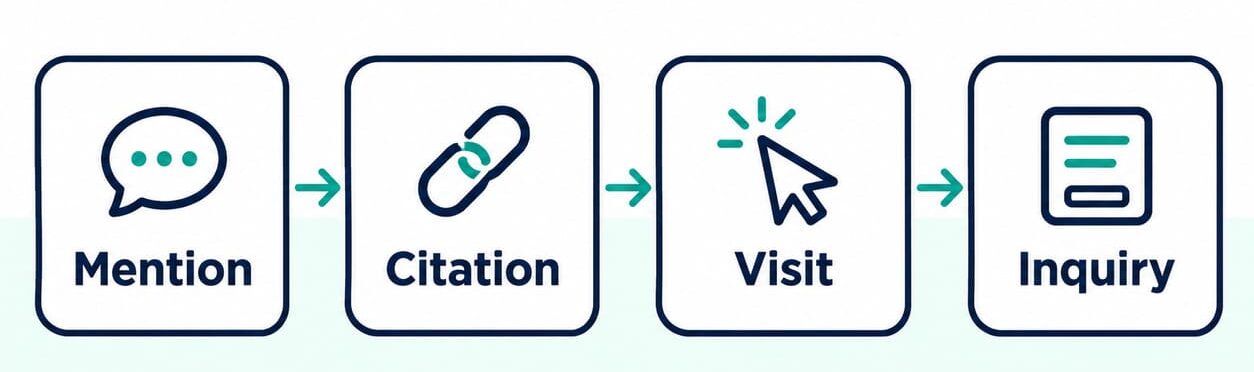
Build a citation sample you can compare over time
Choose questions from sales conversations, support requests and relevant search queries. Separate general research, comparisons, supplier choices and local service needs. For an India-focused business, include location when it changes the answer. Track other markets separately.
Save a fixed question set before the first check. For every answer, record:
- The exact question, platform and mode.
- The date, country and account context.
- Model details, if the product displays them.
- The answer, cited URL and any collection failure.
Repeat important questions on a schedule. Count each completed answer once, even when you check the same question again. Report unique questions and total answer checks separately.
Include completed answers without your URL in the coverage calculation. Put timeouts in a separate failure log. Report attempted checks, completed checks and failure reasons together. When you add questions or platforms, preserve the original sample for comparison. Report the expanded sample separately.
Record these details separately because each answers a different question:
- Brand mention. Does the answer name your business?
- Linked citation. Does a source link point to your domain or a third-party page?
- Recommendation. Does the answer recommend your business?
- Accuracy. Does the cited page support the claim, and does the link open the correct destination?
Review the topics too. More citations for unrelated questions may add little business value.
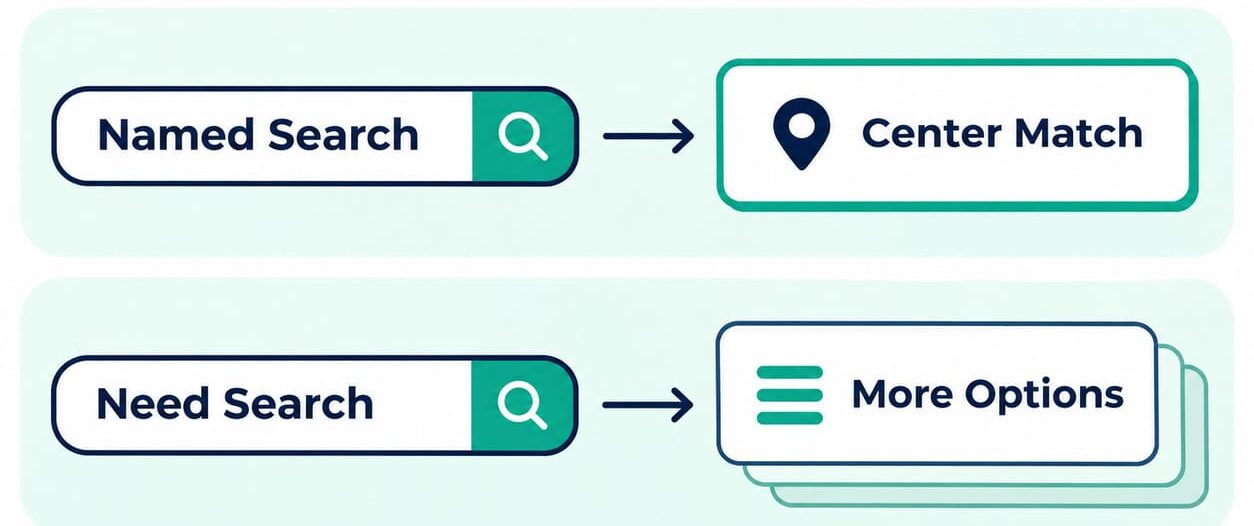
Connect recorded visits to qualified leads
Track successful enquiries before assessing lead quality. A contact-button click shows interest; a submitted enquiry confirms a further step. Google supports separate generate_lead and qualify_lead events. Configure and test them for the actions your business records.
Separate enquiries made during an AI assistant session from enquiries made after a later return. Someone might arrive from an assistant, return through another channel and then contact you. GA4 uses different source fields for the first visit, each session and credit assigned to an event. Record the attribution model, the rule used to assign that credit, and how far back it looks. The same lead may appear in both reports, making their combined total misleading.
Agree what counts as a qualified lead with your sales team. For example, require a valid contact, a relevant service need and a market you serve. Remove spam, duplicate submissions and internal tests. Save source evidence and the qualification date in your customer relationship management system, or CRM. Use approved record IDs to match enquiries. Personal contact details should remain outside analytics URLs and event fields.
Count phone and WhatsApp button clicks separately until you can verify an enquiry. Someone may click, abandon the conversation and submit a form later. Match the records and count that enquiry once. If call or messaging records are unavailable, report the click with its outcome unknown.
Group leads according to when they first enquired. Allow each group the same follow-up period before comparing qualification rates. If a lead qualifies later, update its original group and retain the qualification date. Record revenue only when a sale is confirmed in your business records. A citation has no automatic monetary value.
Assess influence without assigning every direct visit to AI
An increase in direct traffic cannot prove AI influence. Direct / none indicates that GA4 lacks an identifiable referral source. Brand campaigns, email and returning customers can also accompany traffic growth. Track direct visits and branded searches as context. Assign them to AI only when you have supporting evidence.
Ask new leads 2 neutral questions:
- How did you first hear about us?
- What helped you choose us?
Accept an open answer before offering channel choices. If someone mentions an AI assistant, ask which one and what they were researching. Report AI mentions alongside the total number of respondents. Match responses with CRM records before combining survey and analytics leads.
For a content test, choose pages to change and similar pages to leave unchanged. Record their starting results, the intended outcome and the review date. Note other marketing activity during the test. A difference between the groups is a clue; it proves cause only when the test can rule out competing explanations.
Build a monthly report that leads to a decision
Here is a hypothetical monthly report. Every number is invented to demonstrate the calculations. You completed 60 answer checks and recorded 24 AI assistant sessions. Two sessions each produced one unique lead, and one lead met your sales criteria. Of 10 survey respondents, 3 mentioned AI; one was the same qualified lead.
| Measure | Result | Next check |
|---|---|---|
| Answers citing your domain | 18 of 60 checks = 30% coverage | Which question groups earned citations? |
| AI assistant sessions | 24 recorded sessions | Which pages received those visits? |
| Sessions with a lead event | 2 of 24 = 8.33% | Were the events valid and test enquiries excluded? |
| Qualified leads | 1 of 2 unique leads = 50% | Why did the other lead fail qualification? |
| Survey respondents mentioning AI | 3 of 10; one overlaps the qualified lead | Which records refer to the same person? |
| Increase in direct traffic | AI contribution unknown | What other marketing activity occurred? |
The calculation 24 sessions ÷ 18 cited answers would produce a false citation CTR. Those sessions and answer checks came from different groups. Even matching page URLs only confirms that the same page appears in both reports. It cannot connect a visitor to one of your sampled answers.
With only 2 leads, one qualification decision changes the rate from 50% to 100% or 0%. Inspect the enquiries before treating that percentage as a benchmark. Review their needs, service relevance and sales feedback. For cited pages without recorded referrals, check the reason to visit. Gather more comparable results before increasing the budget.
Assign an owner to each report metric. Save the source, dates, timezone, counting rules and data status alongside it. Record the total used for each percentage and preserve the original exports. End each report row with a next action, owner and review date. Separate platform totals are more useful here than one combined AI visibility score.
Decide what to change and when to stop
Use the evidence to choose the next piece of work:
- Tracking fails. Correct the technical fault and repeat the same test. Pause traffic conclusions until the expected visit and source details appear.
- Tracking passes, but cited pages get no recorded referrals. Inspect the answer. If a useful next task is missing, test a calculator, comparison or other relevant addition. Measure visits and task completions, then assess lead quality. Preserve the original answer.
- Visits arrive, but enquiries are poor. Review the offer, service relevance and enquiry steps. Compare verified lead quality before and after the change, allowing for small counts.
- Qualified leads recur. Test a similar question or page group with an agreed spending limit. Expand only while lead quality and cost remain acceptable.
Set the review period around traffic volume, reporting time and the sales cycle. A low-volume B2B page may need several reporting periods. Agree the budget limit, minimum evidence and stop condition before starting. If the review date arrives without enough evidence, label the result inconclusive. Decide how much further testing the question justifies.
You can calculate cost per qualified lead using your chosen attribution rule. Use programme cost ÷ qualified leads credited to the programme. That figure helps compare spending, but cannot prove how many extra leads the programme caused. With zero qualified leads, report the cost and zero leads; the cost-per-lead calculation is undefined.
Write down the page, proposed change, expected result, owner and review date. Begin with an AI search audit if you need to establish where citations appear. If the problem is measurement, use your test findings to define the AI search analytics support required. Choose the next action from the evidence you have.


